
How to use the Joody Cargo app to track your shipment step by step
In today's shipping world, customers need to know the location of their shipments at all times. That's why Joudy Cargo has developed a smart app that allows you to easily track your shipment from the moment it's received until final delivery. In this article, we'll explain step-by-step how to use the app efficiently, with illustrative screenshots of the interface.
1) Install the application and activate the account
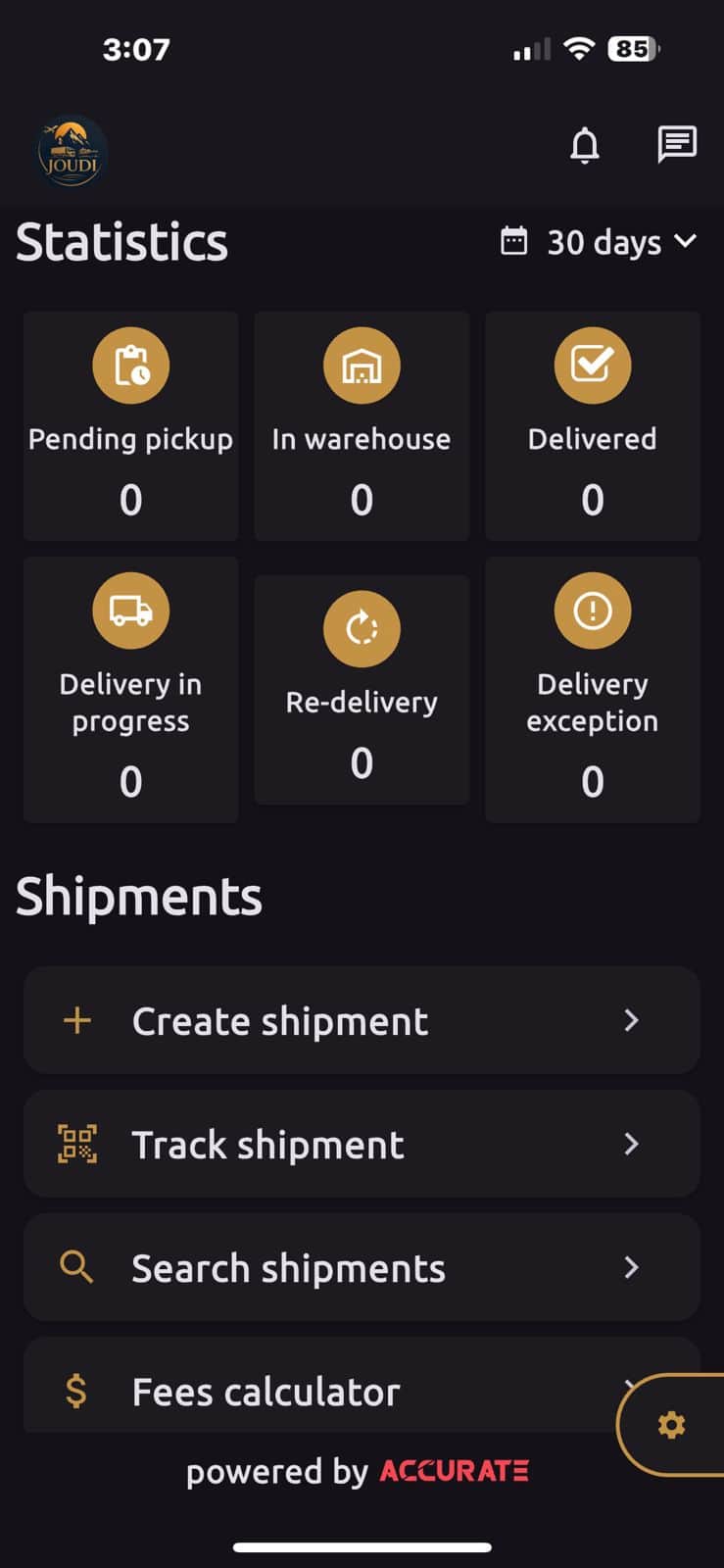
The first step to start tracking your shipment in the Goody Cargo app is to download the app from the appropriate app store for your phone (Android or iOS). After installation, activate your account using the phone number you registered your shipment with, and a dashboard will appear displaying all your shipment statuses.
2) Where do I write the tracking number?
After creating the shipment, you will receive a tracking number. Open the app, go to the Track shipment section, and enter the number in the search box. Once entered, the app will display the current status and approximate location of the shipment.
3) Allow the camera to be used to activate the scanning feature
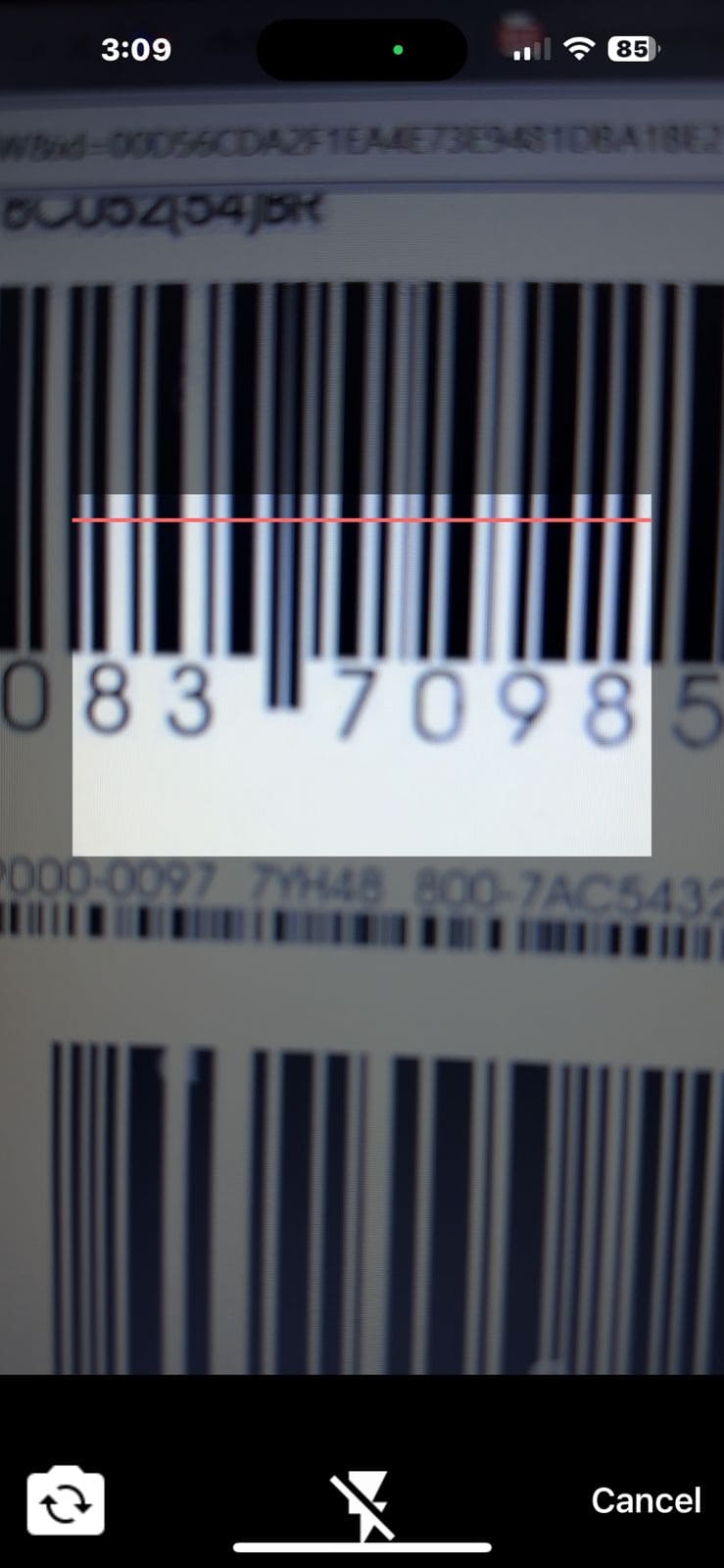
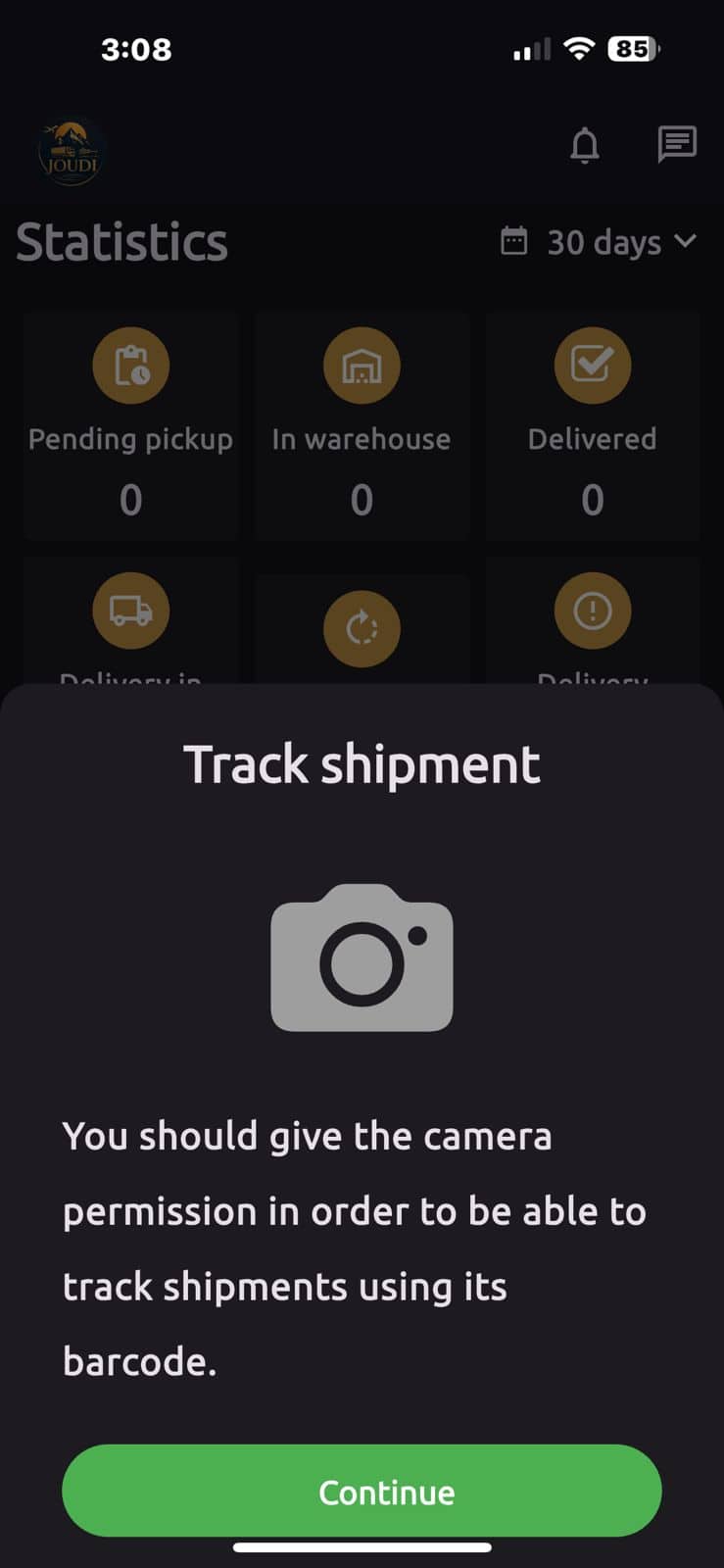
One of the useful features of the Goody Cargo app is the ability to track shipments by scanning barcodes. When you first open the camera, the app will request permission to access the camera to enable automatic scanning.
4) Understanding the application interface
The homepage contains sections that show the status of each shipment, such as: Pending pickup , In warehouse, Delivery in progress , Delivered .
Additional options are also available below, such as:
- Create shipment: To create a new shipment.
- Track shipment: To track current shipments.
- Search shipments: For advanced searching within your account.
- Fees calculator: To calculate the shipping cost before sending.
5) Instant notifications and updates
Whenever there's a change in your shipment's status, you'll receive instant notifications on your phone indicating the transition from one stage to the next. This feature ensures you can track your shipment without having to open the app each time.
6) Share the tracking link
You can send the tracking link to your customer directly via WhatsApp or email from within the shipment details. The link only displays the shipment status without revealing any sensitive information about your account.
7) Track the shipment during customs clearance
When your shipment reaches the customs clearance stage, the app displays a "Customs Procedures" status. If additional documents are required, you can upload them directly within the app to expedite the process. Learn more about this stage in our article, "Customs Clearance with Judy Cargo ."
8) Quick tips for using the app effectively
- Activate notifications to know the status of your shipment firsthand.
- Use the scan feature to speed up the search process.
- Share the link with your customer to reduce manual communication.
- Upload the required documents immediately when needed.
9) Conclusion
With the Joudy Cargo app, tracking shipments is easier and faster than ever. Whether you're sending goods from the UAE to Egypt or Saudi Arabia, the app puts all the shipment details at your fingertips, step by step. Download it now and start tracking your shipment with confidence.
Download the app and start tracking your shipment now
Available on both official stores, with instant support from the Goody Cargo team.
Download from Google Play Download from the App Store

